Before publishing an AI-assisted listing visual, confirm that it still represents the actual property, that the copy is current, and that the viewer can tell what is real, staged, redesigned, or illustrative. A two-minute review protects the buyer, the agent, and the campaign far better than a polished prompt.
Visual fidelity checks
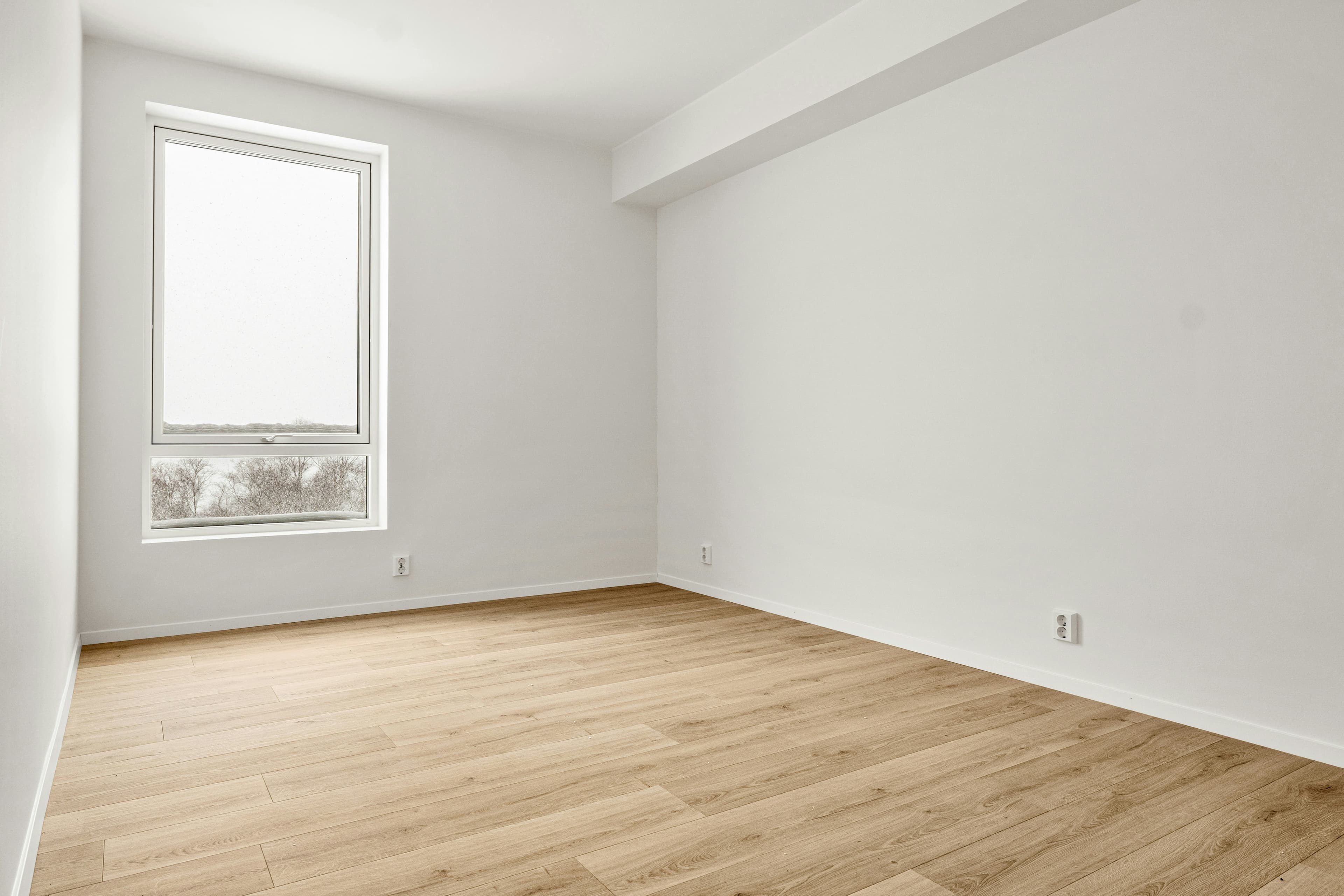
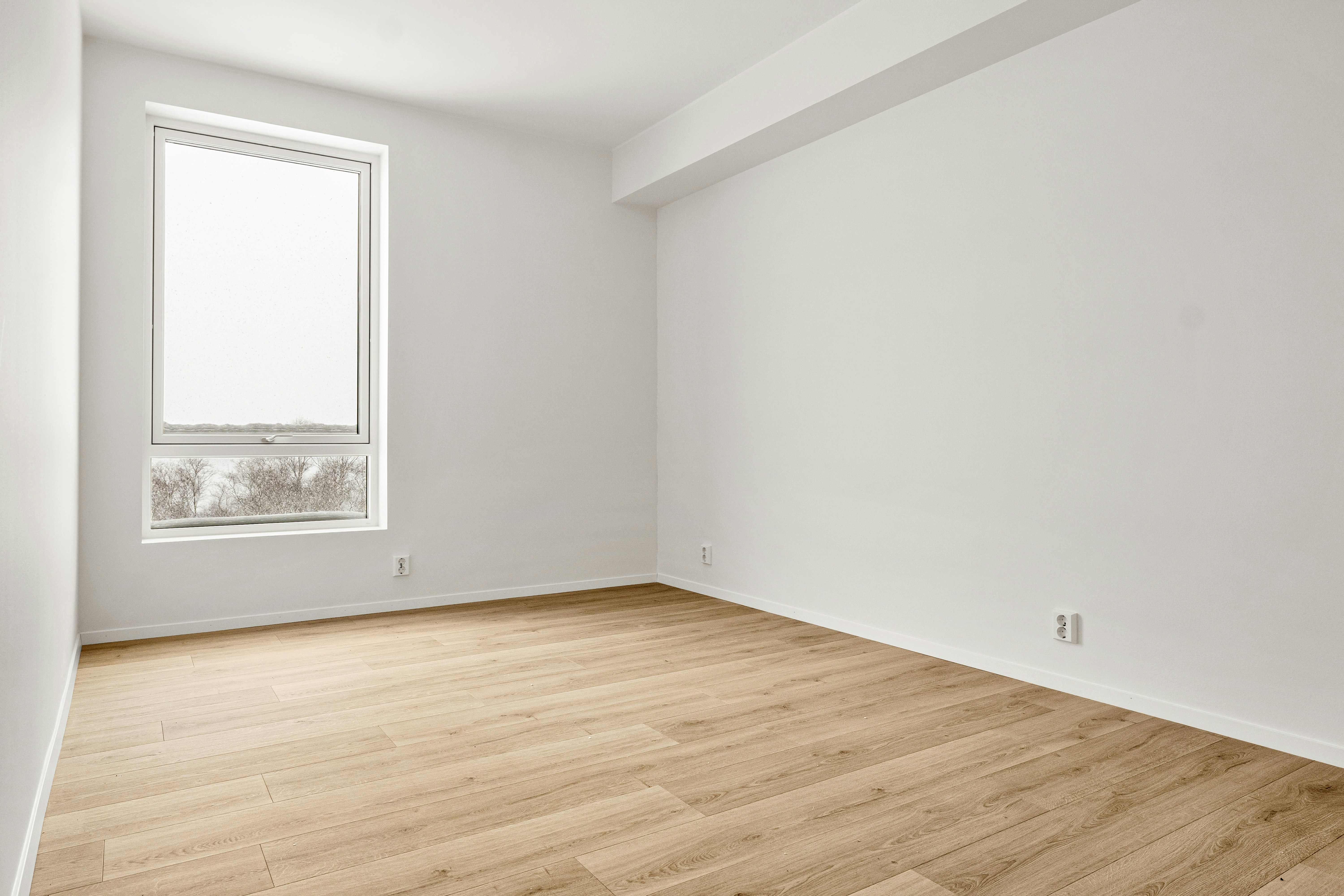
- Room boundaries: no invented wall, doorway, ceiling, floor, or adjacent room.
- Permanent features: windows, doors, fireplaces, appliances, stairs, and fixtures stay in the correct place.
- Perspective: furniture and surfaces follow the source image rather than bending to fit the generation.
- Circulation: people could still walk through the room; furniture has not blocked an entrance or changed the layout.
- Condition: defects, unfinished areas, and visible limitations have not been silently erased.
- Consistency: the same property does not change walls, windows, finishes, or views between images.
Copy and campaign checks
- Facts: price, status, dimensions, room count, and event details match the approved source.
- Claims: “walkable,” “renovated,” “best,” “rare,” and lifestyle claims are supported and approved.
- Text: on-screen copy is legible, correctly spelled, and clear of platform controls.
- CTA: the final frame tells the viewer what to do and does not point to an expired event.
Trust and disclosure checks
- Label: altered, virtually staged, redesigned, or illustrative visuals are identified where required.
- Original: the unaltered image and source document are retained and available for comparison.
Rules vary by MLS, brokerage, state, and country. Treat this checklist as a production control, not legal advice. Confirm the wording and placement required for the channel where the image will appear.
What extra checks apply to listing reels?
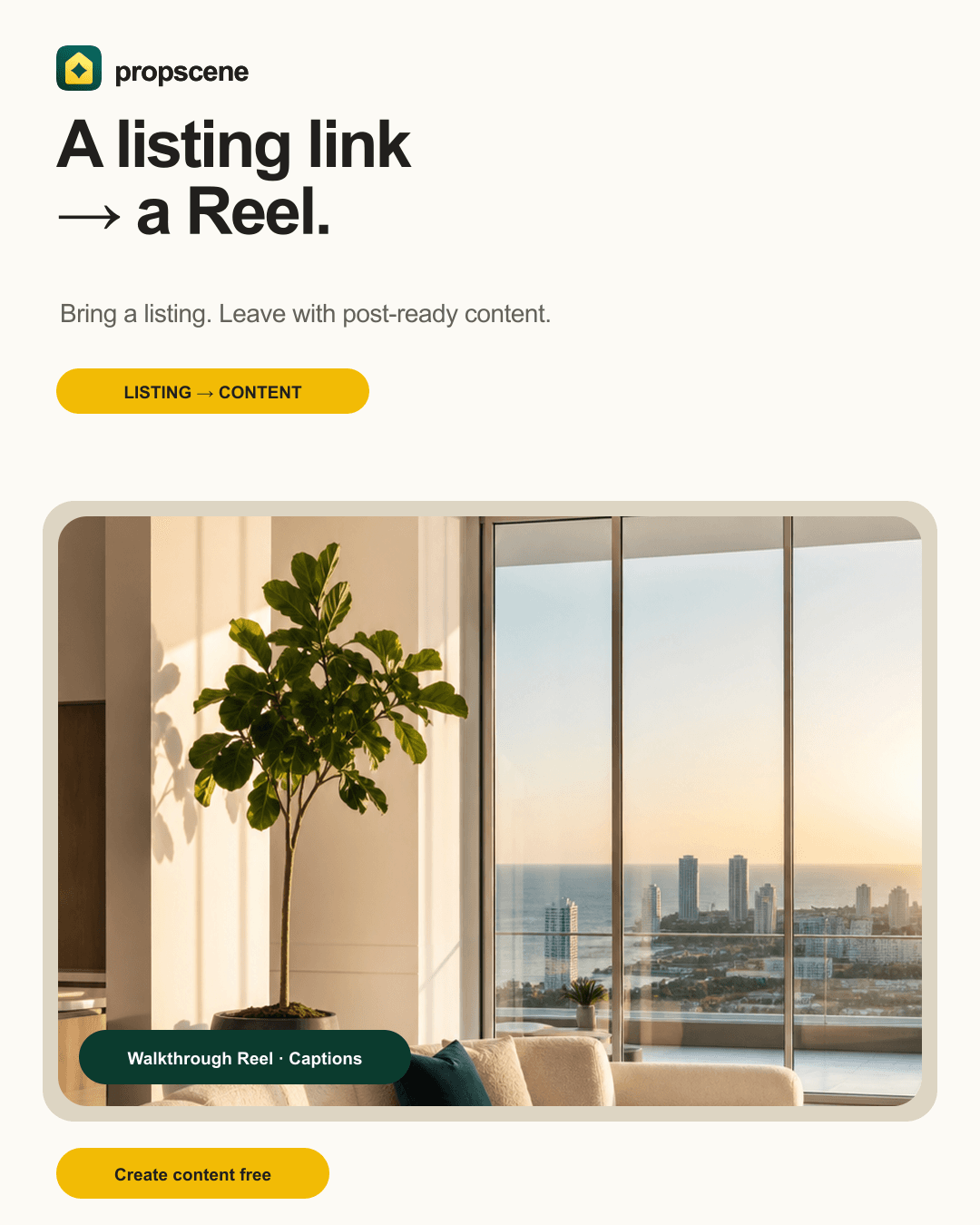
Watch the entire clip at normal speed. Look for an invented view appearing at the edge, a pan that exposes a room not in the source, a window changing during motion, furniture morphing between frames, or an abrupt crop that changes the apparent scale. If the model cannot preserve the scene, use a restrained motion treatment or a deterministic photo animation instead of accepting a cinematic hallucination.
What extra checks apply to 3D floor plans?
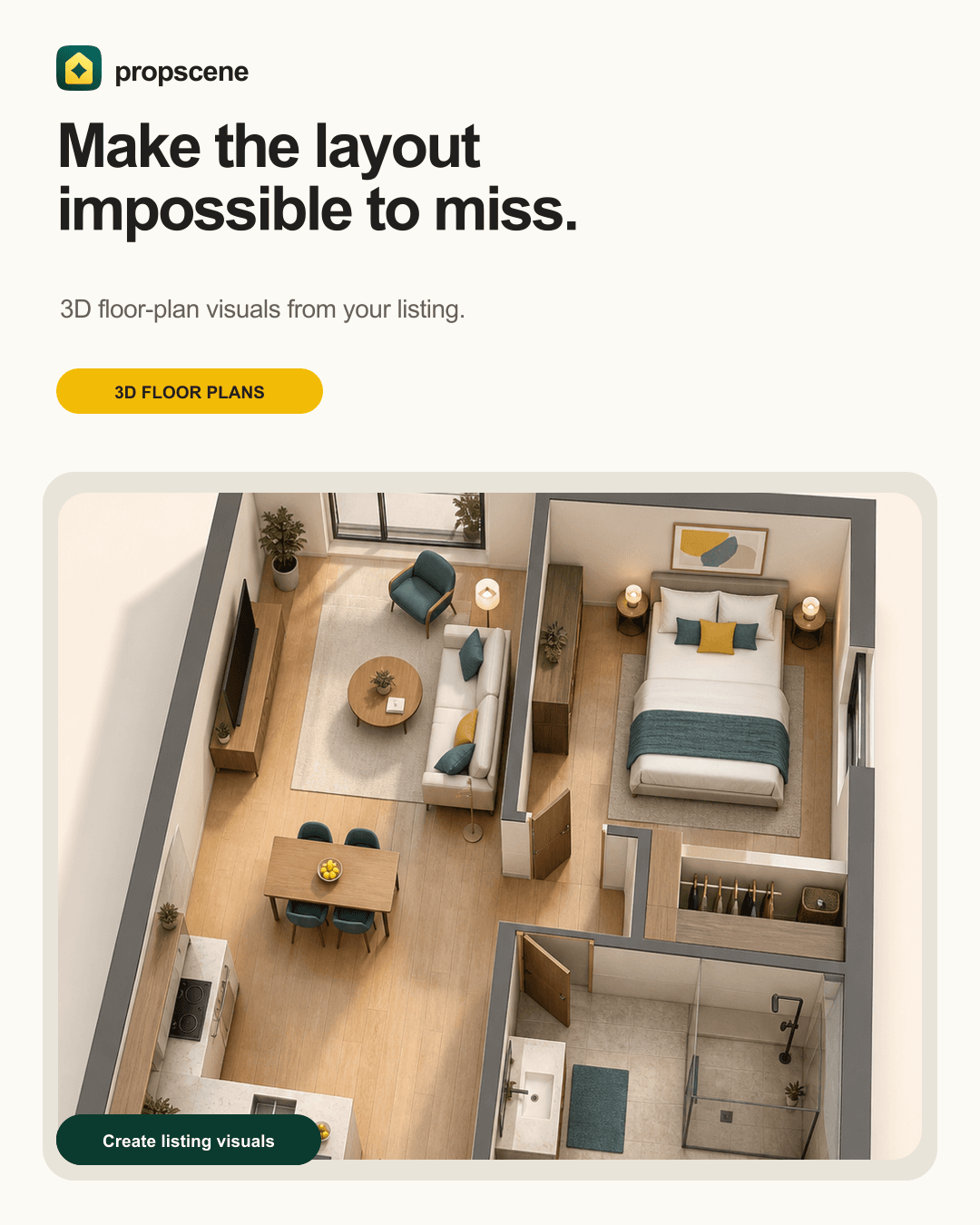
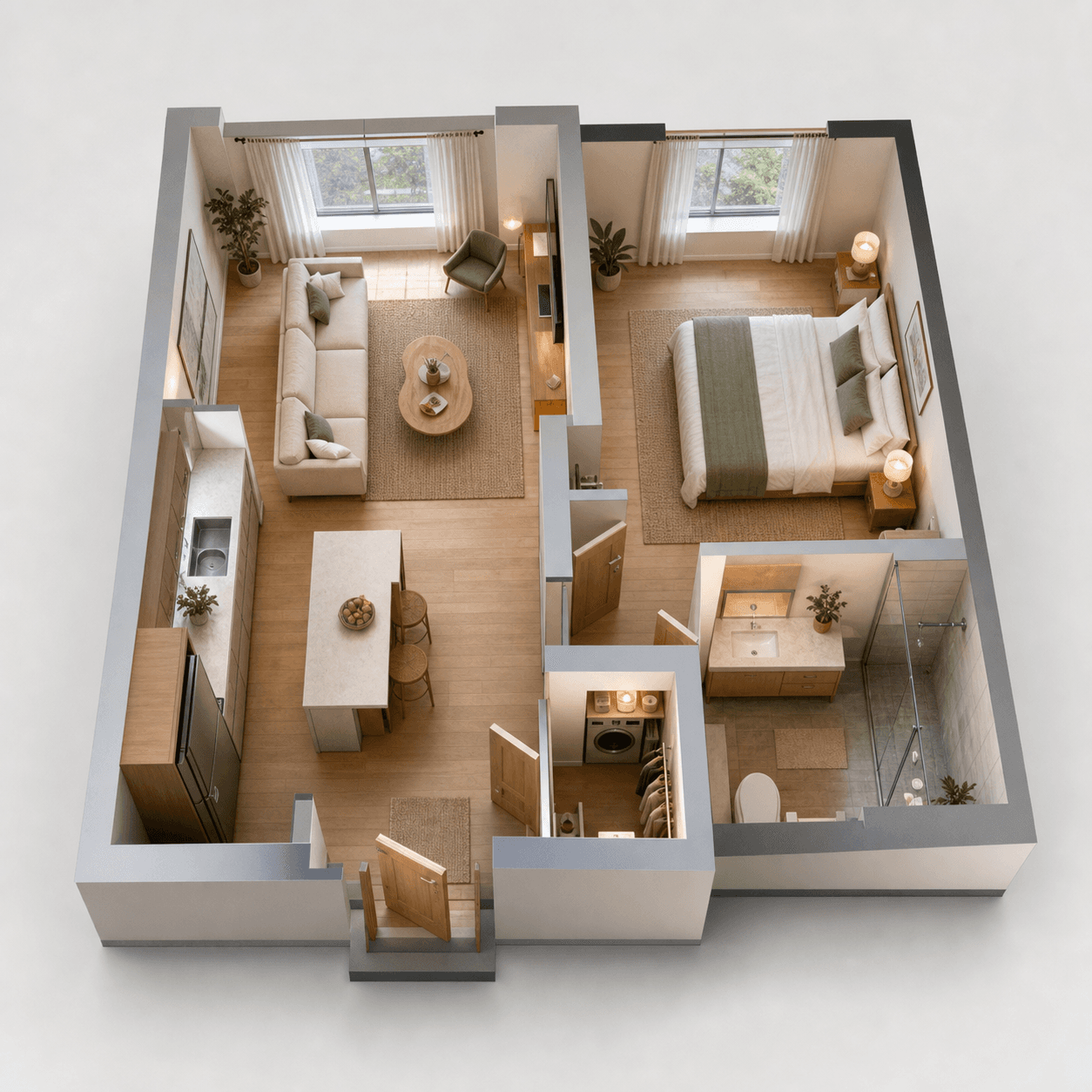
Compare the outer footprint, doors, windows, stairs, fixtures, room labels, and dimensions against the approved plan. A 3D visual can make a layout easier to understand, but it should never resolve uncertainty by inventing a wall or moving a room.
How should the team record approval?
Keep the source URL, generation date, prompt or workflow version, original asset, approved output, reviewer, and disclosure text together. This makes a revision or a buyer question easier to answer and prevents an old visual from resurfacing after the listing changes.
Use this checklist with the virtual staging disclosure guide and the reel specification guide. Propscene helps create the first draft; the review step is what makes it publishable.