AI is most useful in real estate marketing when it removes repetitive production work while a human remains responsible for the property facts, visual truth, and final approval. The best workflows do not ask AI to “make the listing go viral.” They give it a defined source, a defined output, and a clear boundary around what must not change.
What is a good AI use case?
A good use case has a stable input, a repeatable output, and an obvious review step. Turning an approved listing link into a first-pass reel sequence is a good example. Asking a model to decide whether a roof leak should be hidden is not. The difference is governance, not clever prompting.

Nine practical workflows
- Listing link to reel outline: extract the approved facts, choose a buyer question, and sequence existing photos for a short walkthrough.
- Photo-to-video motion: add restrained movement to stills while preserving the original room boundaries and composition.
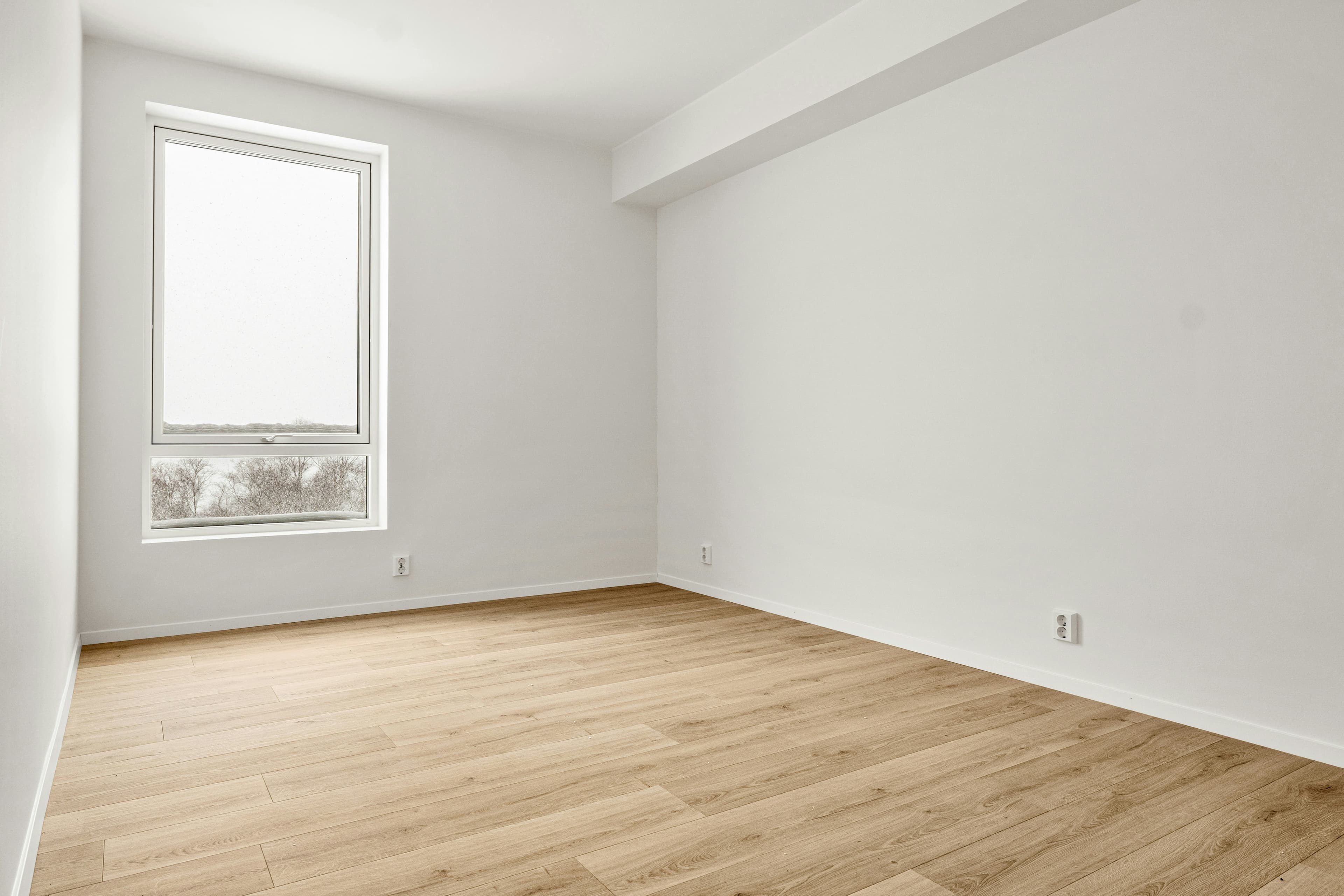
- Virtual staging concept: show a credible furniture layout in a vacant room while keeping permanent architecture unchanged and retaining the original.
- Exterior redesign concept: explore colour, planting, or curb-appeal directions as clearly labelled concepts—not as a claim about the current property.
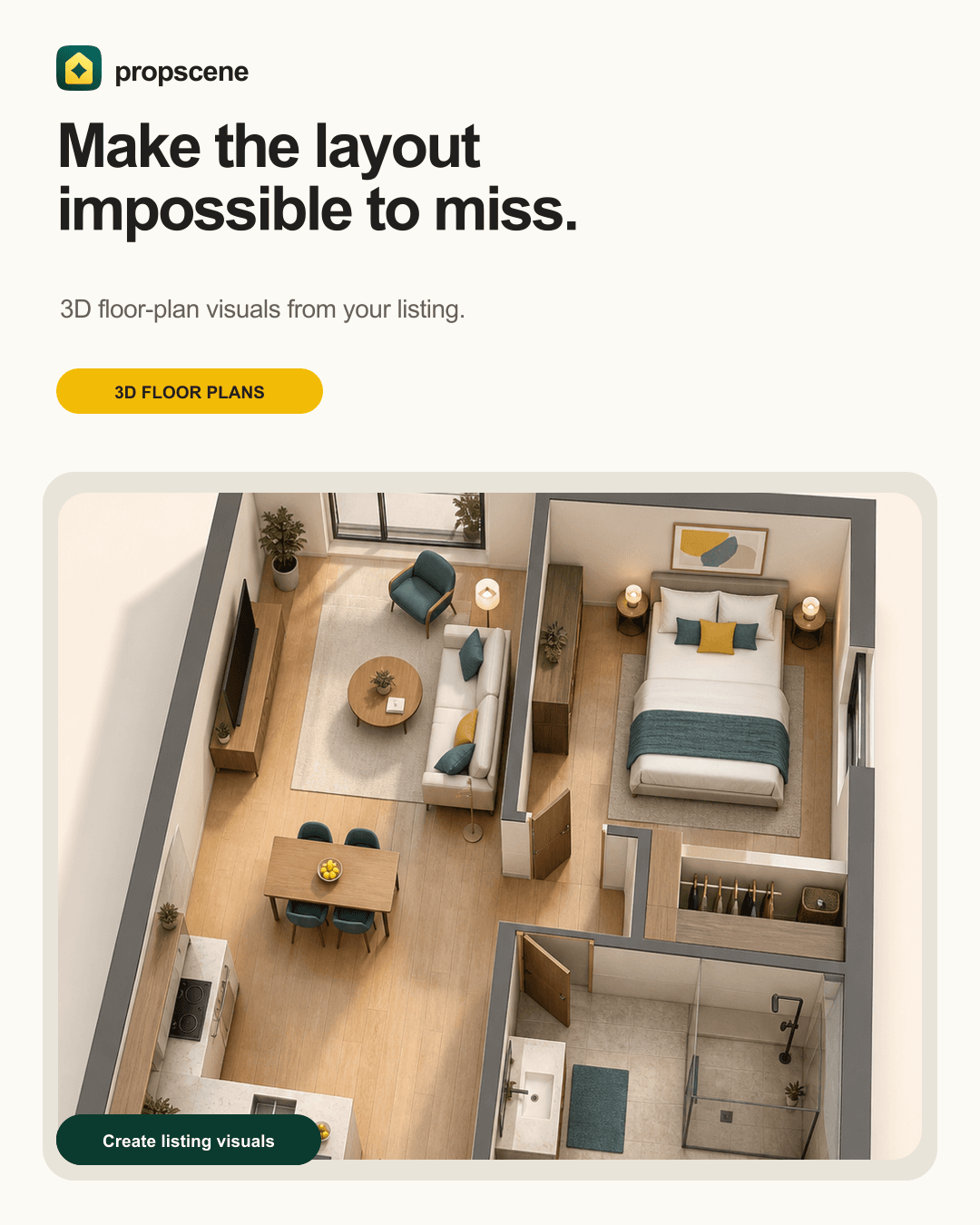
- 3D floor-plan visual: help buyers understand adjacency, scale, and circulation, then cross-check every room against the approved plan.
- Caption variations: adapt one verified feature for Instagram, TikTok, email, and a listing page without changing the facts.
- Open-house kit: produce a reminder post, story card, email block, and final-day follow-up from the same event details.
- Quality-control pass: flag missing disclosures, stale prices, illegible text, inconsistent room names, or an image that needs agent review.
- Campaign reuse: identify which unused listing images can become a second reel, detail post, or seller update.
Where must a human stay in the loop?
At minimum, a property-aware person should approve the source facts, any visual change, the intended use, and the final copy. That person should ask: does this image show something that is actually there, is the room still recognisable, could a buyer misunderstand the feature, and is the required disclosure present? A model can suggest; it cannot take professional responsibility for the advertisement.
How should a team write boundaries for AI?
State the source and the forbidden changes before asking for creativity. “Use this photo as the complete scene boundary. Preserve all walls, windows, floors, doors, and visible objects. Add only movable furniture in the empty area. Do not reveal or invent an adjacent room.” That is more useful than “make it cinematic.” For video, ask for subtle motion inside the visible frame rather than camera movement that would require unseen geometry.
How does disclosure fit the workflow?
Disclosure is not a final caption scramble. Decide at the brief stage whether the asset is an original photo, a virtually staged image, an AI-enhanced image, a design concept, or an illustrative floor-plan render. Keep the original asset, use the local MLS or brokerage wording, and do not imply that imagined furniture, finishes, views, or landscaping are included in the sale.
What should teams measure?
Measure production time saved, approval turnaround, reuse per listing, asset completion rate, and qualified enquiries—not only impressions. If a faster workflow creates more content that agents cannot approve or buyers cannot trust, it is not a successful workflow.
A sensible starting plan
- Choose one listing type and one repeatable campaign.
- Write a source-of-truth and disclosure checklist.
- Automate the first draft, not the final approval.
- Test the workflow on three real listings.
- Document failures and tighten the boundaries before scaling.
Propscene fits this model by connecting listing links and photos to walkthrough reels, staging concepts, exterior redesigns, and 3D floor-plan visuals. The marketing-team workflow explains how to keep those outputs reviewable and reusable.