Living Room Virtual Staging
The living room is often the first interior space buyers see and sets expectations for the entire home. This room serves as a gathering space and should feel both inviting and functional. A well-staged living room helps buyers envision entertaining guests and relaxing with family.
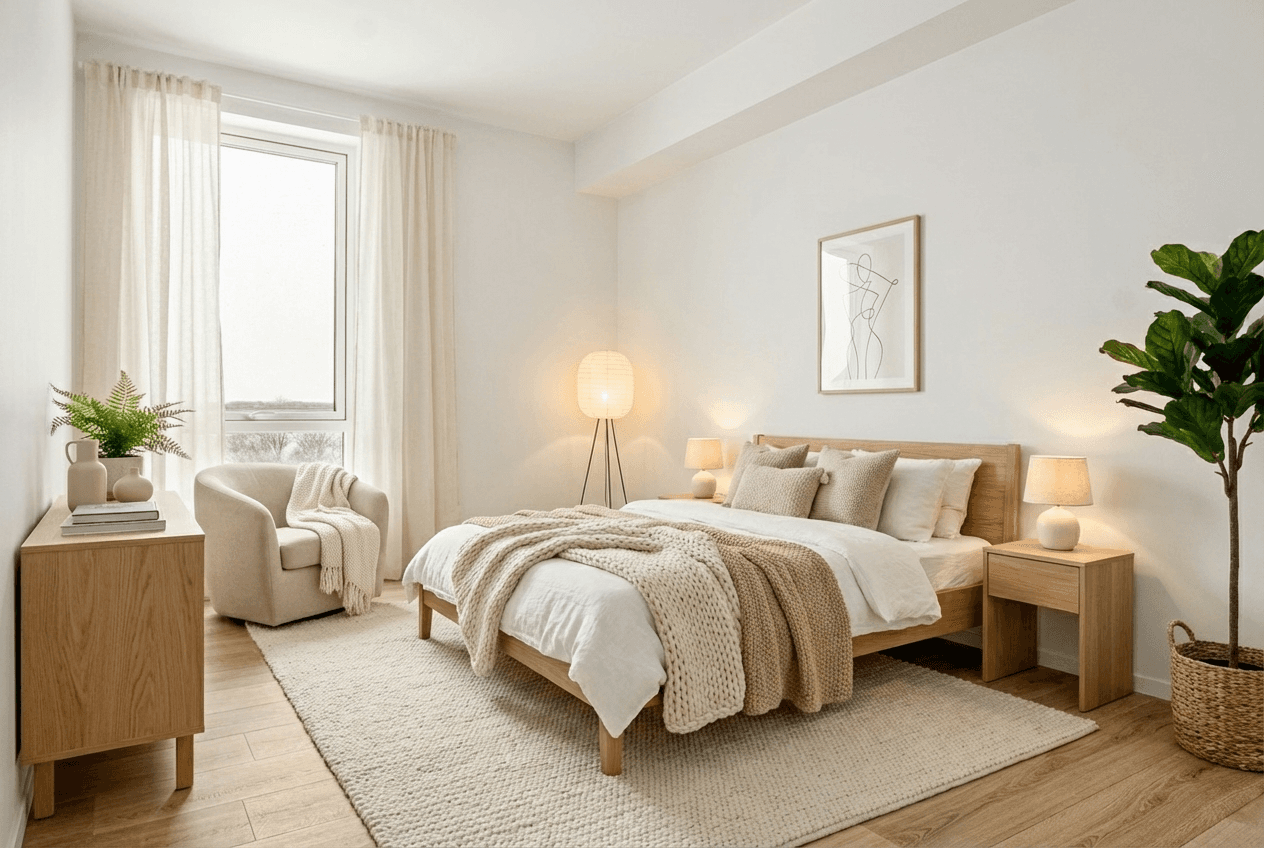
Living Room Staging Tips
Get the most out of your living room staging with these professional tips:
- Anchor the space with a properly sized area rug that extends under the front legs of seating furniture to create visual cohesion
- Create a clear focal point, whether it's a fireplace, large window, or entertainment center, and arrange furniture to face it
- Use the 'conversation triangle' layout with seating pieces positioned to facilitate face-to-face interaction
- Add depth with layered lighting: overhead fixtures, table lamps, and floor lamps create warmth and dimension
- Include organic elements like plants or flowers to add life without cluttering surfaces
Common Furniture Included
Photography Tips
Shoot from the corner opposite the main seating to capture the full room. Keep windows visible but not blown out. Include a glimpse of adjacent spaces to show flow.
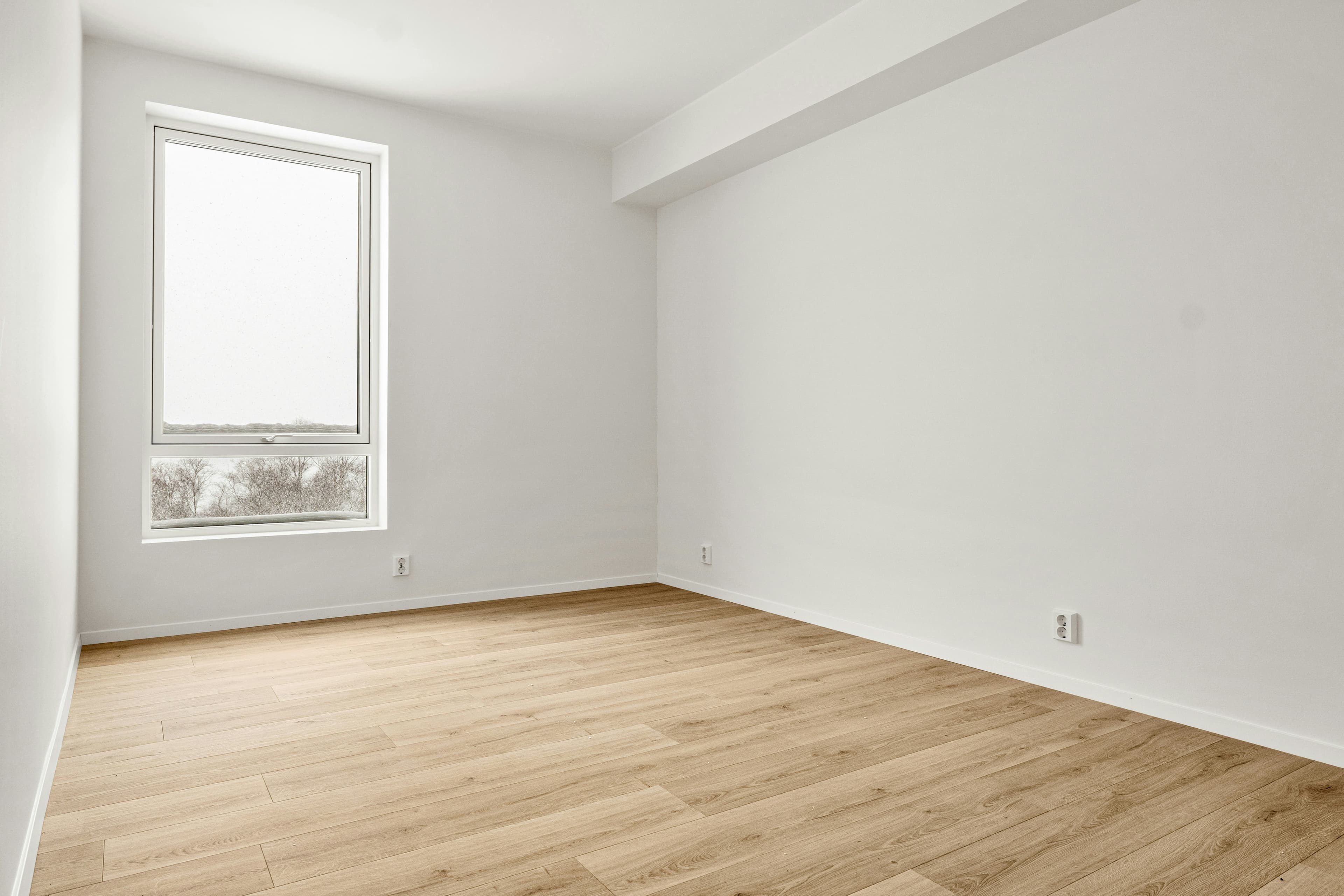
Living Room Staging Examples
 BeforeAfter
How Living Room Staging Works
1. Upload Your Living Room Photo
Take a photo of your empty living room from a corner angle.
2. Select Style & Generate
Choose from 8 design styles optimized for living rooms.
3. Download Staged Image
Get your professionally staged image in 2 minutes.
Living Room Staging Styles
Choose the perfect style for your living room
Living Room Staging FAQ
How do I virtually stage a living room?
Upload a photo of your empty living room, select "Living Room" as the room type, choose a design style, and click generate. Propscene's AI will add appropriate furniture and decor in under 2 minutes.
What furniture is included in living room staging?
Living Room staging includes all appropriate furniture pieces: seating, tables, rugs, lighting, and decor. The AI selects pieces that fit the room's size and your chosen design style.
Can I choose different styles for my living room?
Yes! Propscene offers 8 design styles including Modern, Scandinavian, Farmhouse, Coastal, and more. Each style is optimized for the room type you select.
How long does living room staging take?
Living Room staging typically completes in under 2 minutes. Upload your photo, make your selections, and download your staged image immediately.
Ready to Stage Your Living Room?
Transform empty living rooms into buyer-ready listings in minutes.
Get 3 Free Credits