Basement Virtual Staging
Finished basements add significant livable square footage, but unfinished or poorly finished basements can feel like wasted space. Staging helps buyers see potential: home theater, gym, playroom, or guest suite. Lighting is crucial in these typically darker spaces.

Basement Staging Tips
Get the most out of your basement staging with these professional tips:
- Add abundant lighting—floor lamps, table lamps, and bright overhead fixtures combat basement darkness
- Define clear purpose: home theater, game room, gym, or guest suite with appropriate furniture
- Use light-colored furniture and rugs to brighten the space visually
- Include mirrors to reflect light and make the space feel larger
- Add area rugs to warm concrete floors and define activity zones
Common Furniture Included
Photography Tips
Use all available lights. Shoot toward windows if any exist. Include the stairway entrance to show basement access. Wide-angle helps in typically compact spaces.
Basement Staging Examples
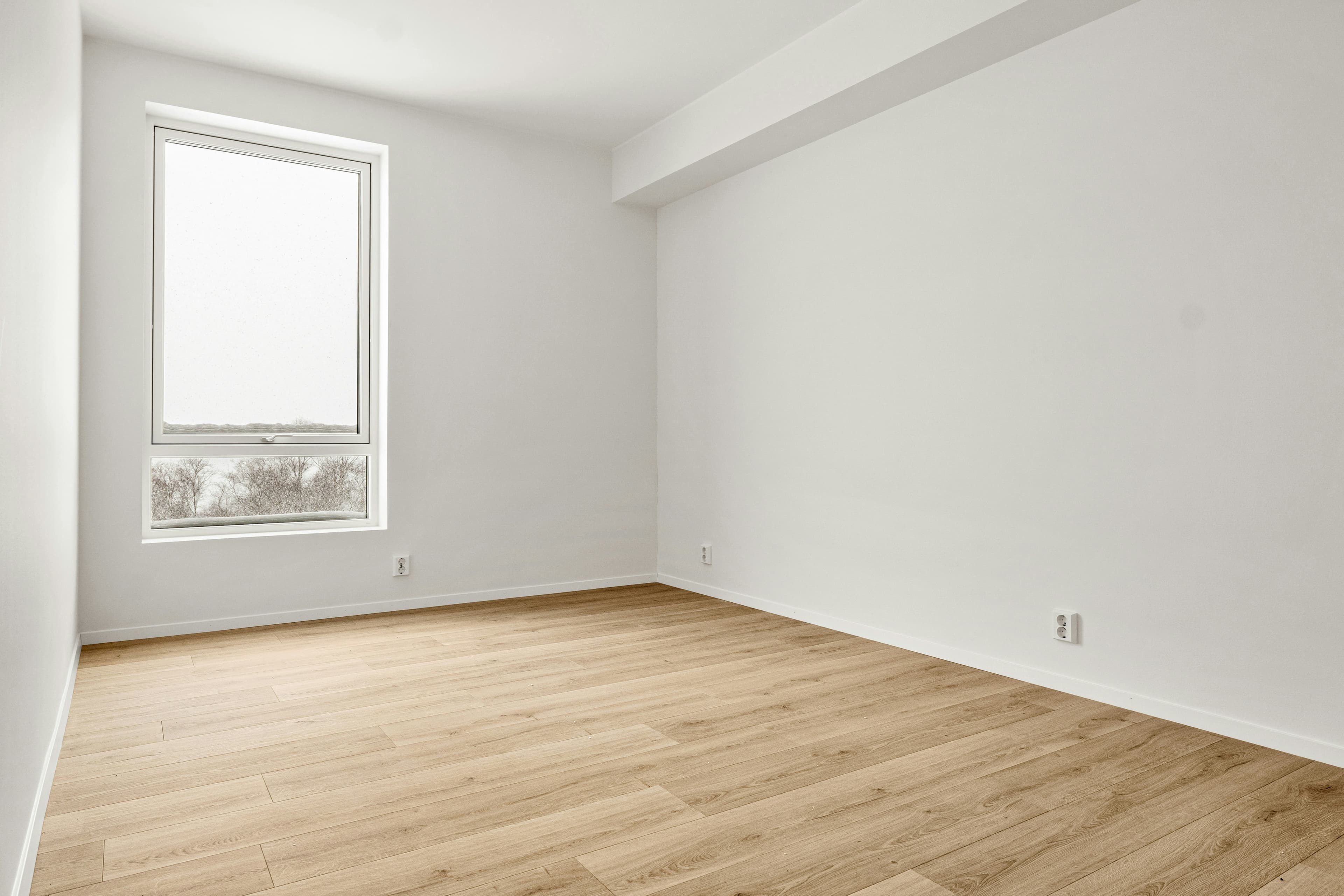 BeforeAfter
How Basement Staging Works
1. Upload Your Basement Photo
Take a photo of your empty basement from a corner angle.
2. Select Style & Generate
Choose from 8 design styles optimized for basements.
3. Download Staged Image
Get your professionally staged image in 2 minutes.
Basement Staging Styles
Choose the perfect style for your basement
Basement Staging FAQ
How do I virtually stage a basement?
Upload a photo of your empty basement, select "Basement" as the room type, choose a design style, and click generate. Propscene's AI will add appropriate furniture and decor in under 2 minutes.
What furniture is included in basement staging?
Basement staging includes all appropriate furniture pieces: seating, tables, rugs, lighting, and decor. The AI selects pieces that fit the room's size and your chosen design style.
Can I choose different styles for my basement?
Yes! Propscene offers 8 design styles including Modern, Scandinavian, Farmhouse, Coastal, and more. Each style is optimized for the room type you select.
How long does basement staging take?
Basement staging typically completes in under 2 minutes. Upload your photo, make your selections, and download your staged image immediately.
Ready to Stage Your Basement?
Transform empty basements into buyer-ready listings in minutes.
Get 3 Free Credits