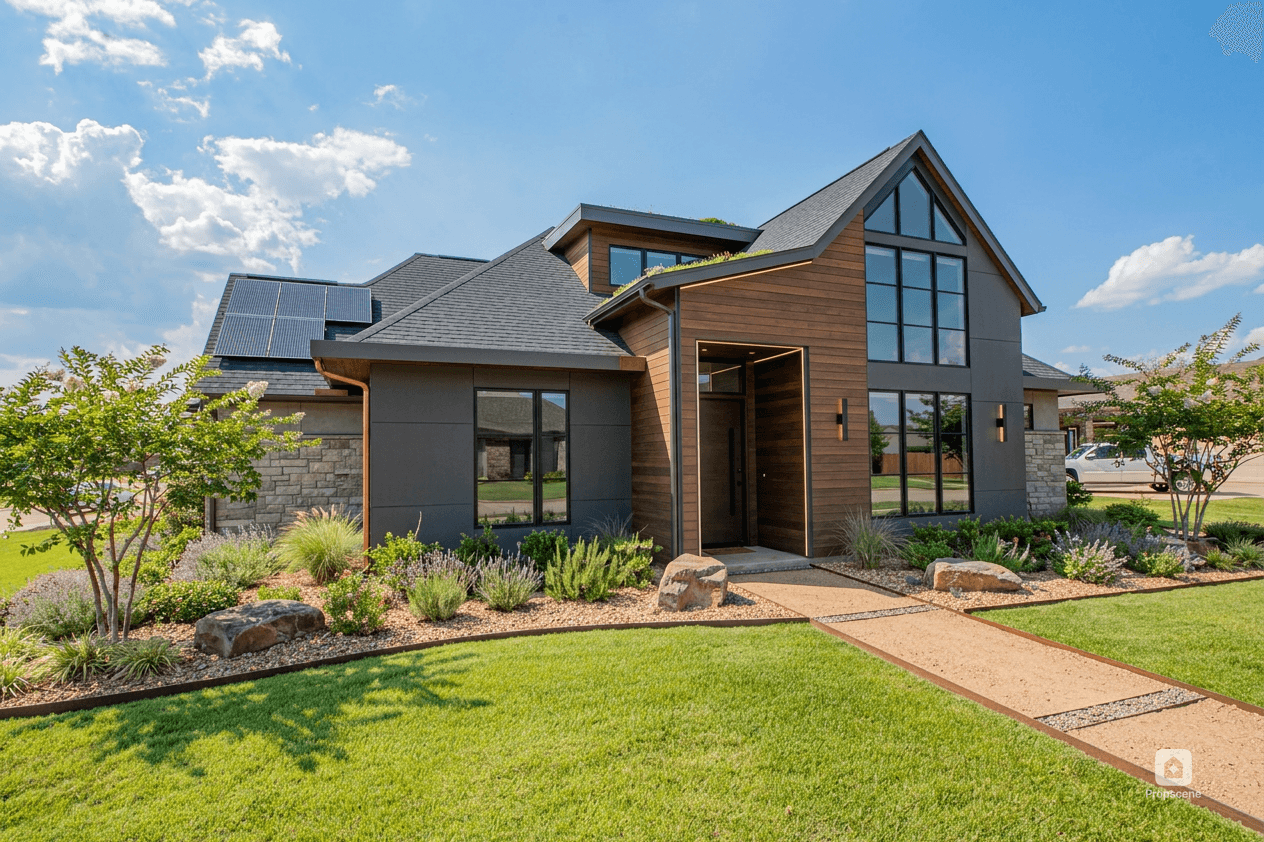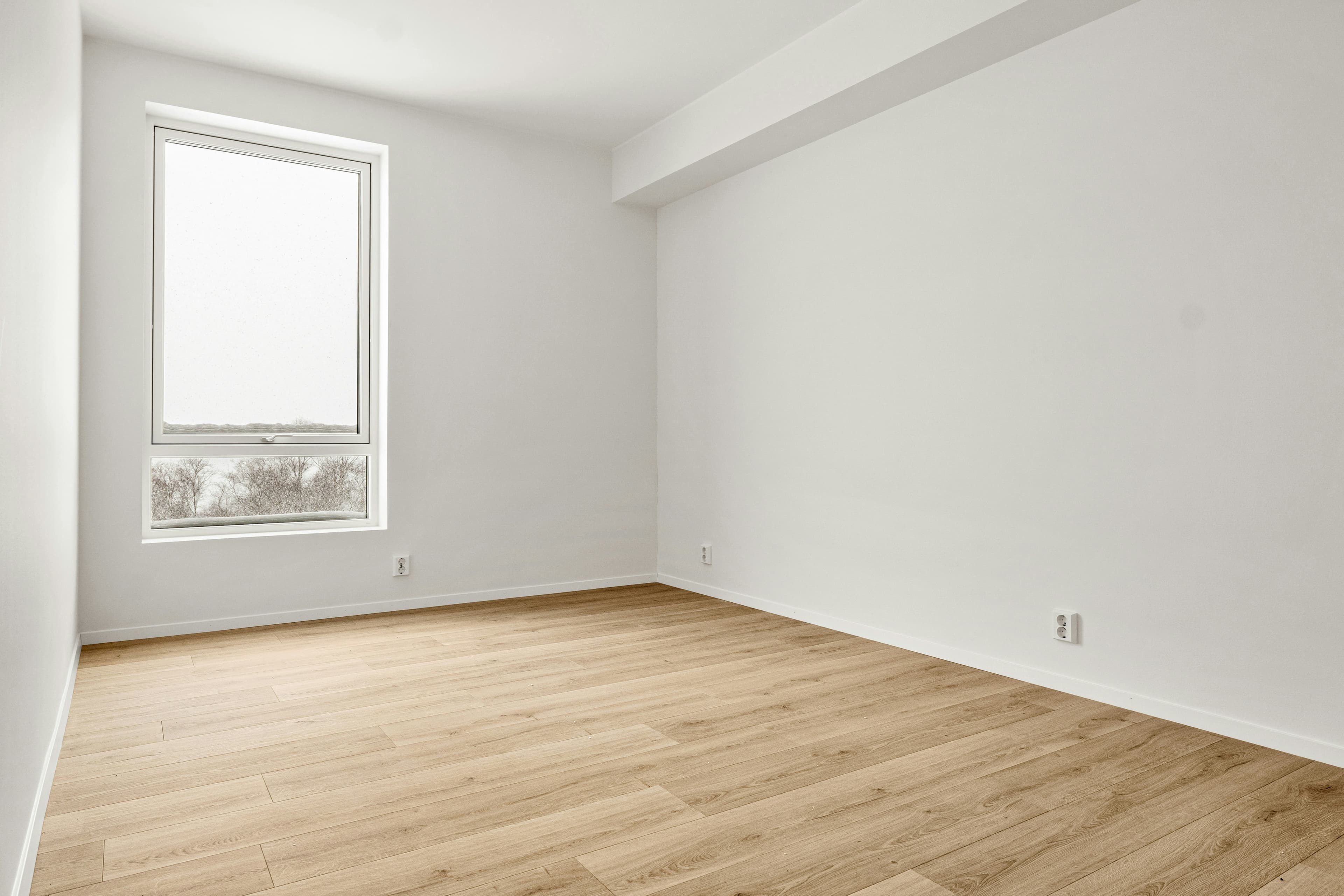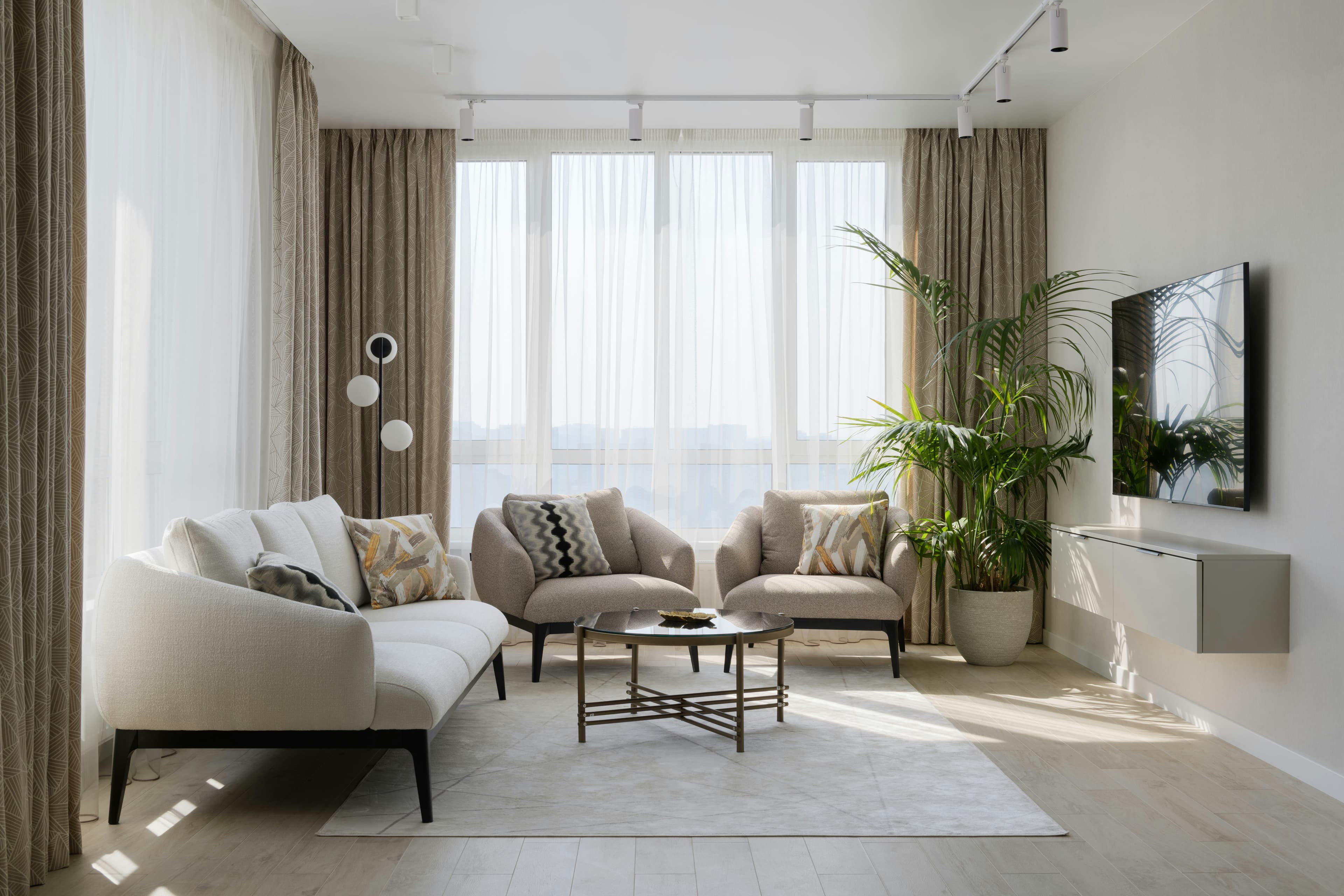
You do not need a second property shoot to make a useful listing reel. With a clear story, a small set of strong photos, and deliberate pacing, a photo-led reel can take a buyer from first impression to showing request in under a minute.
The short answer
Choose six to ten photos that explain the property in a buyer-friendly order, open with the strongest feature, add subtle motion and on-screen context, then make one vertical master version before adapting the copy for each channel. The goal is not to squeeze every room into a video. It is to make the right buyer want the full tour.
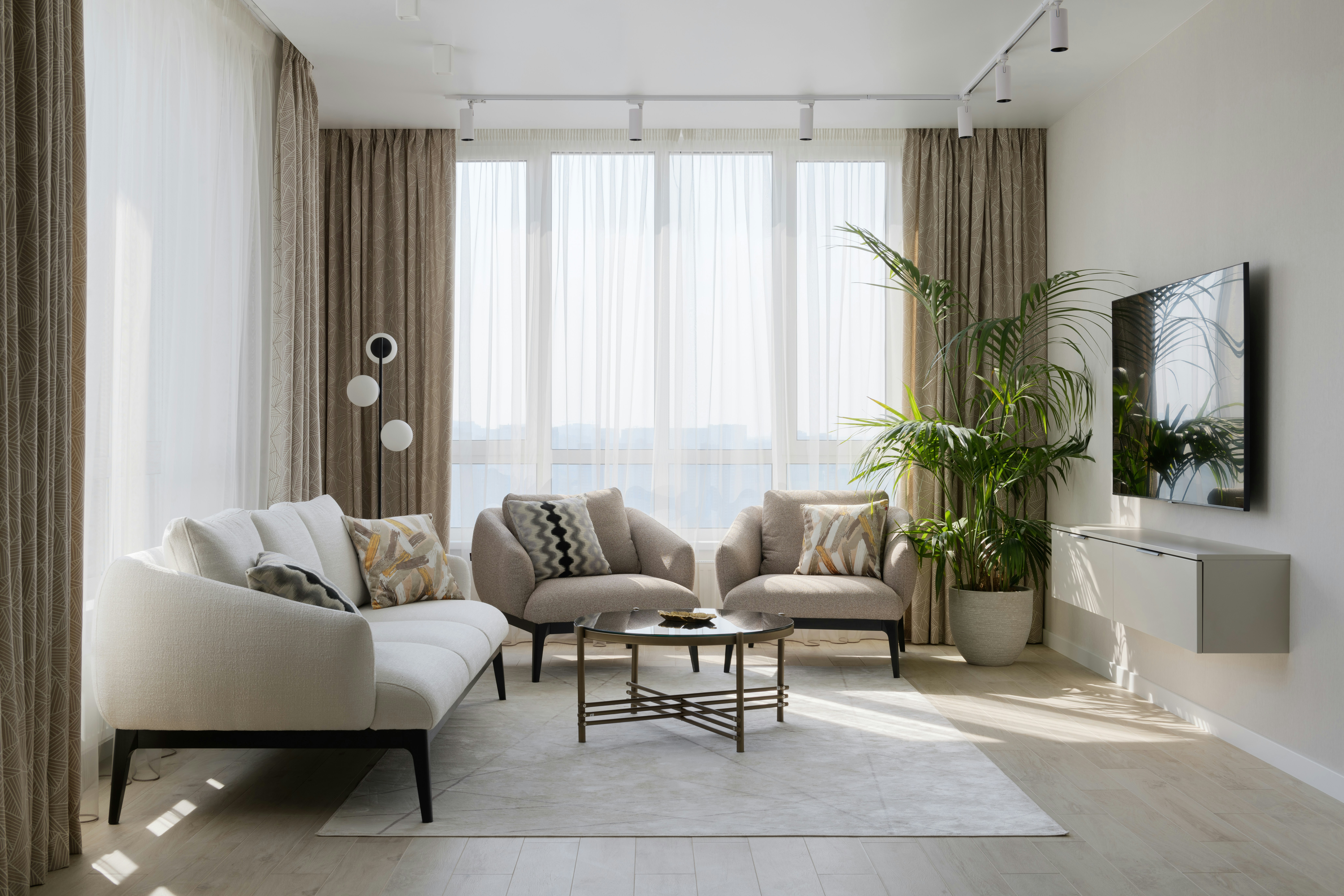
1. Pick the story before you pick the photos
A reel with a sequence of attractive rooms can still feel forgettable. Give it one simple promise instead: a sun-filled family home, a compact city apartment with a real work-from-home setup, a backyard built for entertaining, or a move-in-ready first home near a specific neighborhood amenity.
Write a one-sentence brief before editing: "Show how this two-bedroom condo lives larger than its footprint, starting with the view and ending with the flexible second room." That sentence decides which images stay and which ones become supporting material for a carousel or listing page.
2. Use a photo order that feels like a tour
- Hook: lead with the most distinctive view, room, or exterior detail—not a generic front elevation.
- Orientation: show the entry or the main living space so the viewer understands where they are.
- Proof: move through two or three rooms that support the promise: kitchen, primary suite, work nook, outdoor area, or storage.
- Payoff: return to the strongest lifestyle feature, such as the terrace, light, or entertaining space.
- Next step: end with an accurate call to action: open-house time, "full photo tour in bio," or "message for details."
Most real estate reels work best when each shot earns its place. If a room does not change the buyer's understanding of the home, save it for the listing gallery.
3. Add motion without pretending there was a camera crew
Photo-to-video motion can create a more natural sense of flow, especially when no filmed walkthrough exists. Keep it restrained: a slow push can emphasize depth, a room pan can establish a wide living area, and a gentle zoom can bring attention to a fireplace or view. Avoid fast spins or dramatic moves that alter the room's proportions.
A good starting point is 12–25 seconds total, with enough time to read each on-screen line. If the property needs more explanation, make a second reel around a different angle rather than turning the first into a catalogue.
4. Make text earn its place
On-screen text should orient the viewer, not repeat every fact in the MLS. Use one idea per shot:
- "Morning light in the main living space"
- "A real dining zone, not just a counter"
- "Flexible second bedroom or office"
- "Open Saturday, 12–2 PM"
Keep price, address, bed/bath count, agent information, and disclosures accurate. If an image has been virtually staged or materially altered, follow the disclosure rules for the destination where it appears. Our guide to virtual staging disclosure rules explains the workflow.
5. Export for the destination, then rewrite the caption
Start with a 9:16 version for Reels, TikTok, and Shorts. Use a 16:9 export where a listing page, MLS, or email needs a wider frame. The visual story can stay the same, but the caption should change:
- Instagram: a concise hook, key feature, location context, and one next step.
- TikTok: more conversational framing, searchable on-screen text, and a question that invites comments.
- YouTube Shorts: a descriptive title with city or neighborhood terms, plus a link to the full tour.
- Listing page or email: emphasize accurate specifications and a clear booking path.
Same-day reel checklist
- Choose one buyer-focused story.
- Select six to ten images with a clear beginning, middle, and end.
- Check that property facts, dimensions, and disclosures are correct.
- Use an accessible caption and add on-screen context.
- Export a vertical master, then adapt the copy for each platform.
- Save the unused images for a carousel, email, or open-house post.
Turn the workflow into a habit
Once you have the photo order and copy structure, the work becomes repeatable for every listing. If you want to generate the motion-led version from your existing listing assets, explore listing reels. For more ideas that expand a property into a full campaign, read one listing, twelve marketing assets.