A new listing does not need seven identical announcements. It needs a sequence that moves from discovery to understanding to action. Use the first day to introduce the property, the middle of the week to answer buyer questions, and the final days to create a specific reason to enquire or attend.
Day 1: launch the strongest story
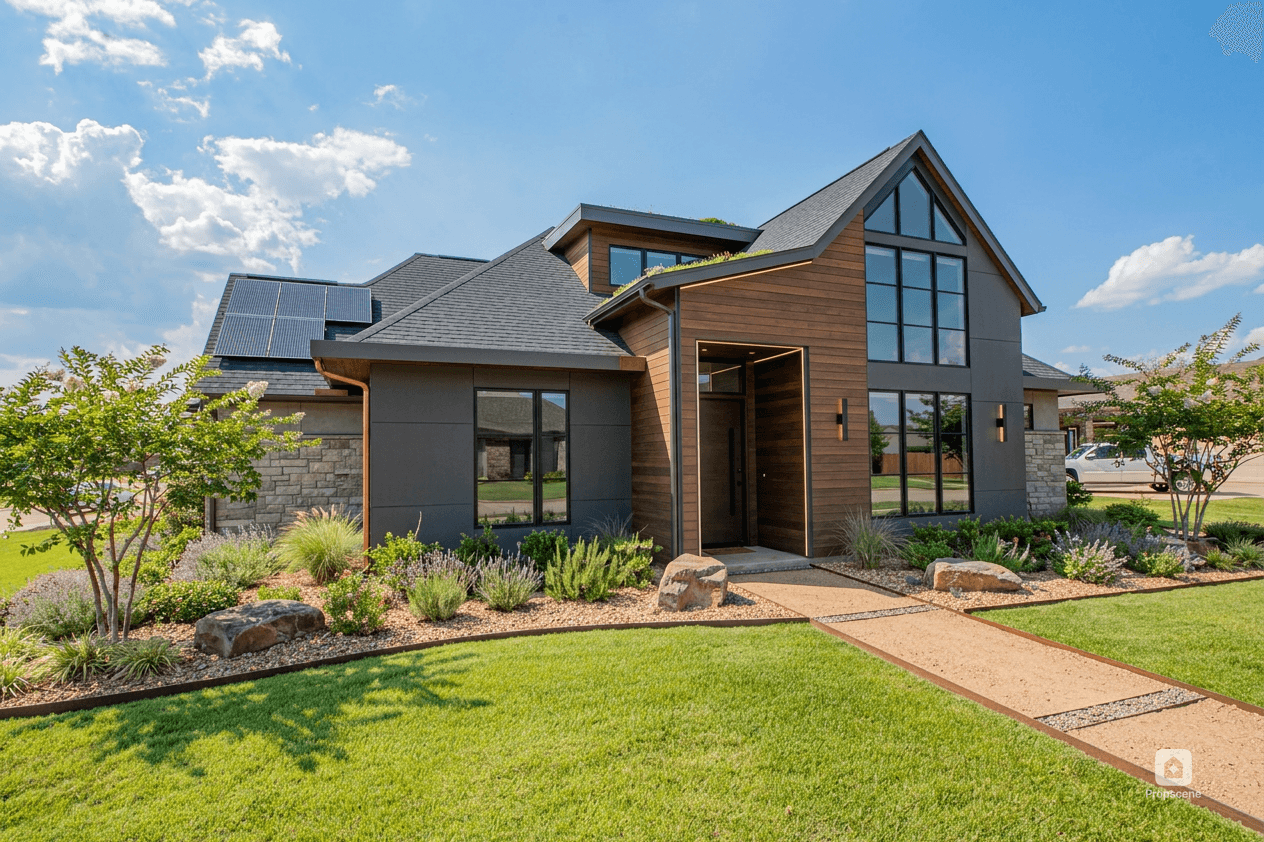
Publish a short reel or carousel with the most distinctive feature and a clear “now available” message. Include only current approved facts. The caption should tell the reader what kind of home it is, where it is, what makes it worth a closer look, and where to find the full details.
Day 2: explain the layout
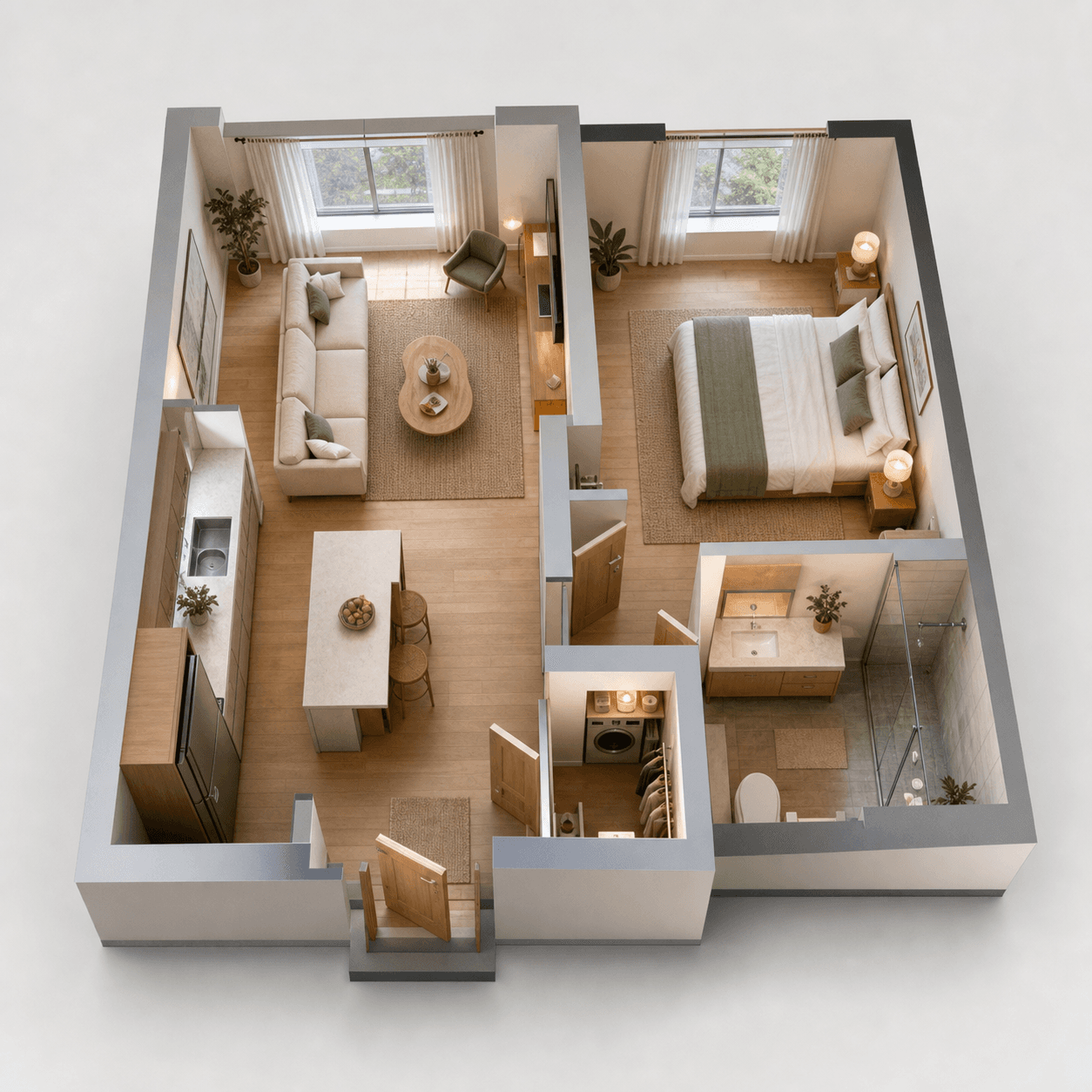
Use a carousel or a floor-plan frame to explain the relationship between the rooms. This is especially useful for compact apartments, split-level homes, and properties with a flexible second room. Keep room names and dimensions aligned with the approved source.
Day 3: feature one room
Choose the kitchen, primary bedroom, office, garden, or view that supports the original story. Write about what the space enables rather than using generic adjectives. “A real six-seat dining area” gives a buyer more to work with than “beautiful open-plan living.”
Day 4: answer a practical question
Turn a common buyer question into a post: where is storage, how does the second room work, is there outdoor space, or what is the route to the main bedroom? If the question cannot be answered from the approved information, say what the viewer should ask at the viewing instead of guessing.
Day 5: invite the open house or tour
Publish the event details with a visual that is easy to scan. Put date, time, location, and contact information in the image or caption, and check them again before posting. Urgency is useful only when it is real.
Day 6: show a second angle
Use a detail clip, an exterior concept clearly labelled as illustrative, or a second room that was not in the launch post. This keeps the campaign fresh without pretending the property has changed.
Day 7: recap and make the next step obvious
Close the week with a concise recap: who the home may suit, the strongest verified features, and how to book a viewing or request information. If the property is still active, use the current status. If something has changed, update every scheduled asset before it goes live.
How should the plan adapt by platform?
- Instagram: visual hook, concise caption, save/share prompt, and story reminders.
- TikTok: conversational question, searchable text, and a natural explanation rather than a brochure readout.
- Facebook: practical details, local context, and a clear event or contact link.
- Email: one hero visual, three useful details, and one direct action.
What should you avoid?
Do not post every asset in one burst, recycle the same hook with a different crop, or let an AI-generated visual become more confident than the source. Keep original and altered images organised, disclose where required, and let each post answer a different buyer question.
Use the listing content workflow to build the assets, then use the reel specification guide when you prepare the video master.