The first 30 seconds of a listing video do not need to explain the entire home. They need to make a buyer understand what makes the home worth seeing next. This checklist keeps the opening focused, accurate, and easy to edit from existing photos or video clips.
The first-30-seconds structure
| Time | Viewer question | What to show |
|---|---|---|
| 0–3 seconds | Why stop? | The view, kitchen, outdoor space, architectural detail, or room that makes this listing distinctive. |
| 3–10 seconds | What kind of home is this? | One accurate line of context: property type, area, layout, or verified lifestyle feature. |
| 10–22 seconds | Can I picture daily life here? | Two or three rooms that prove the story and show flow or flexibility. |
| 22–30 seconds | What should I do next? | Open-house information, a tour invitation, or a direct path to full details. |
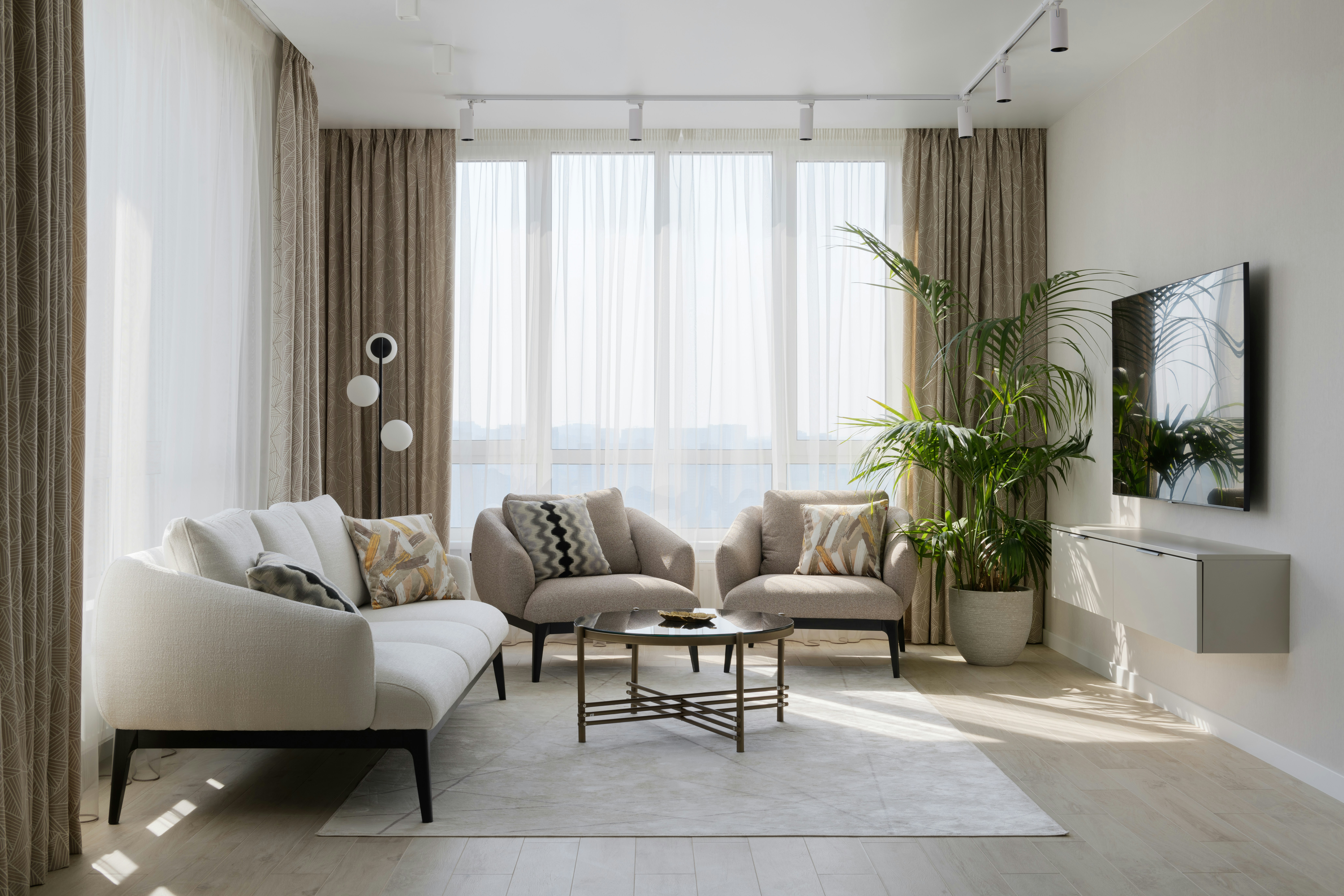
Choose a hook the video can prove
Good hooks are visible and specific: "sunset-facing terrace," "kitchen with a true dining area," "three-bedroom layout with a real office," or "original character with a renovated main living space." Avoid broad language like "dream home" or unsupported claims such as "best location."
The test is simple: if the viewer watches with no sound, do the opening image and text make the hook credible?
Show flow, not a room inventory
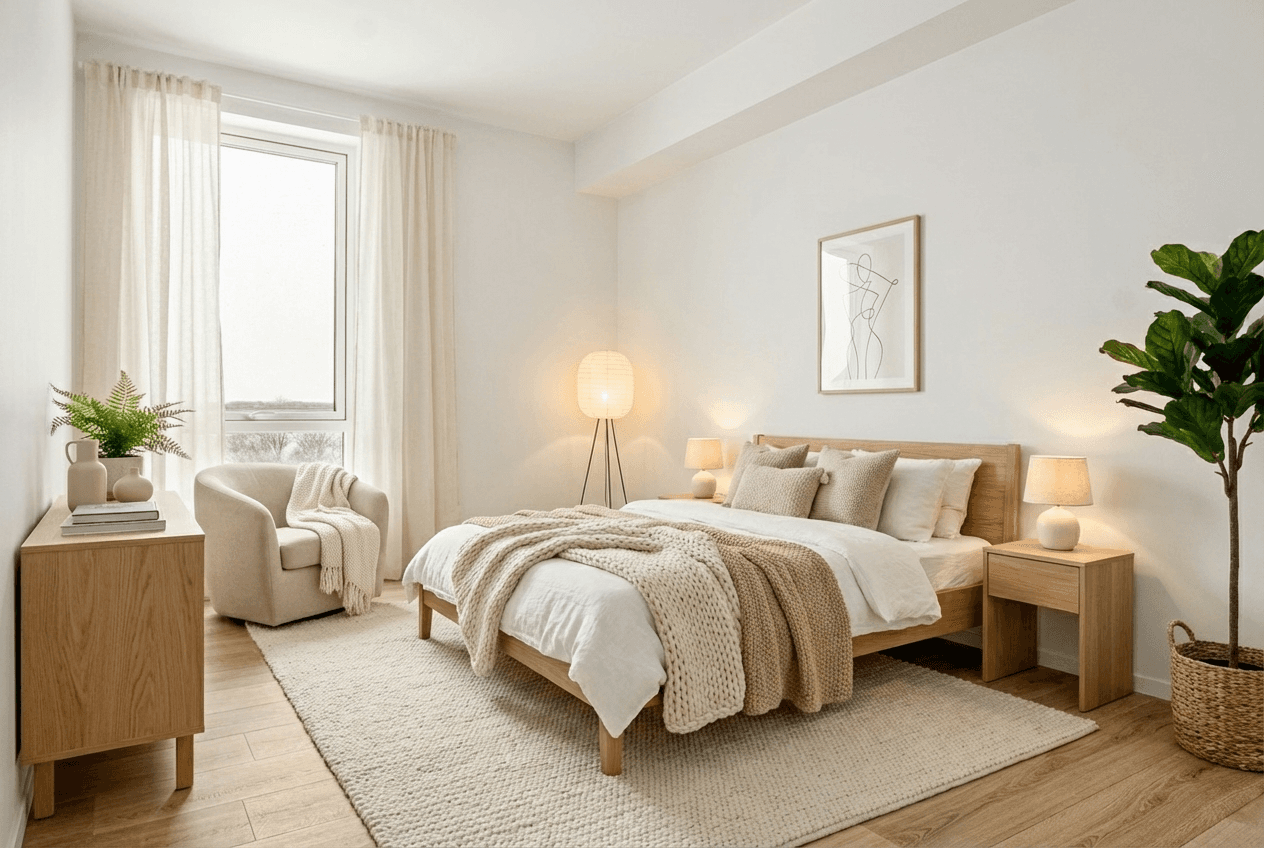
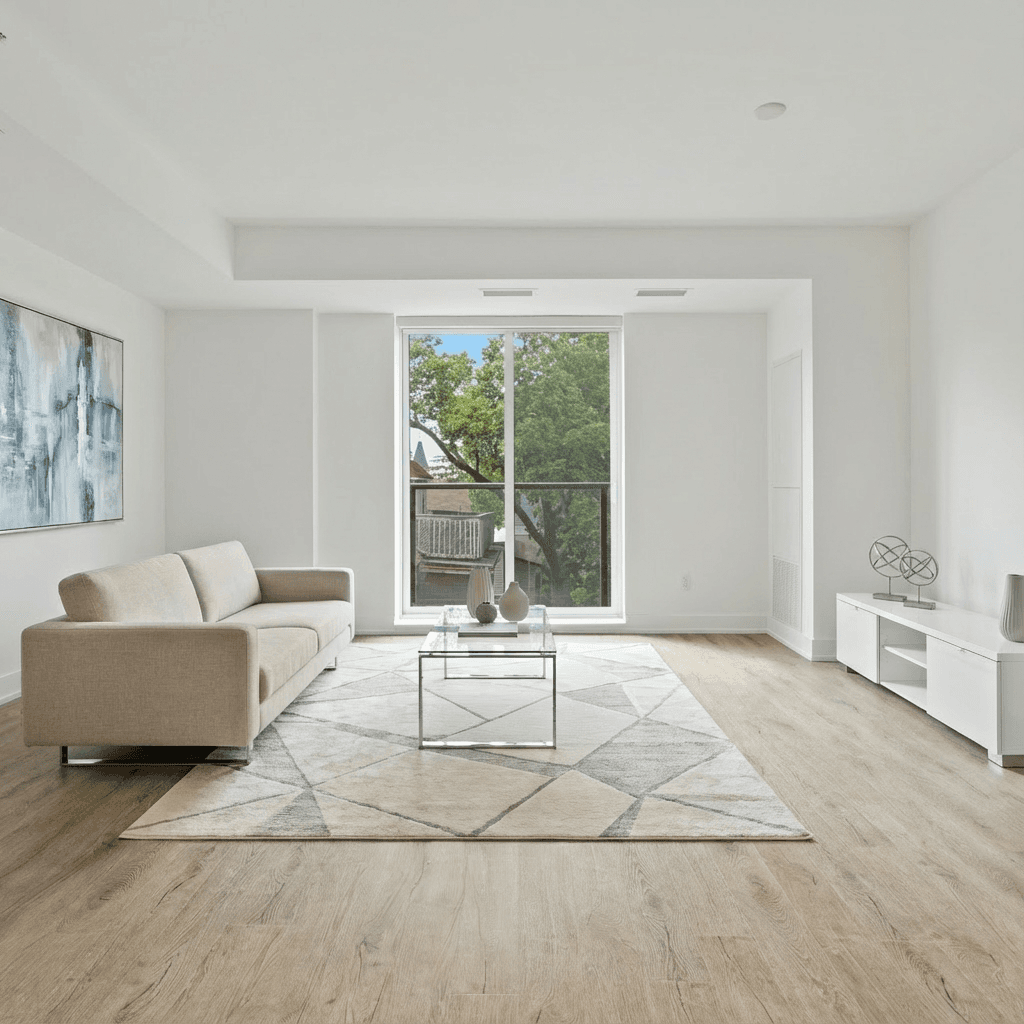
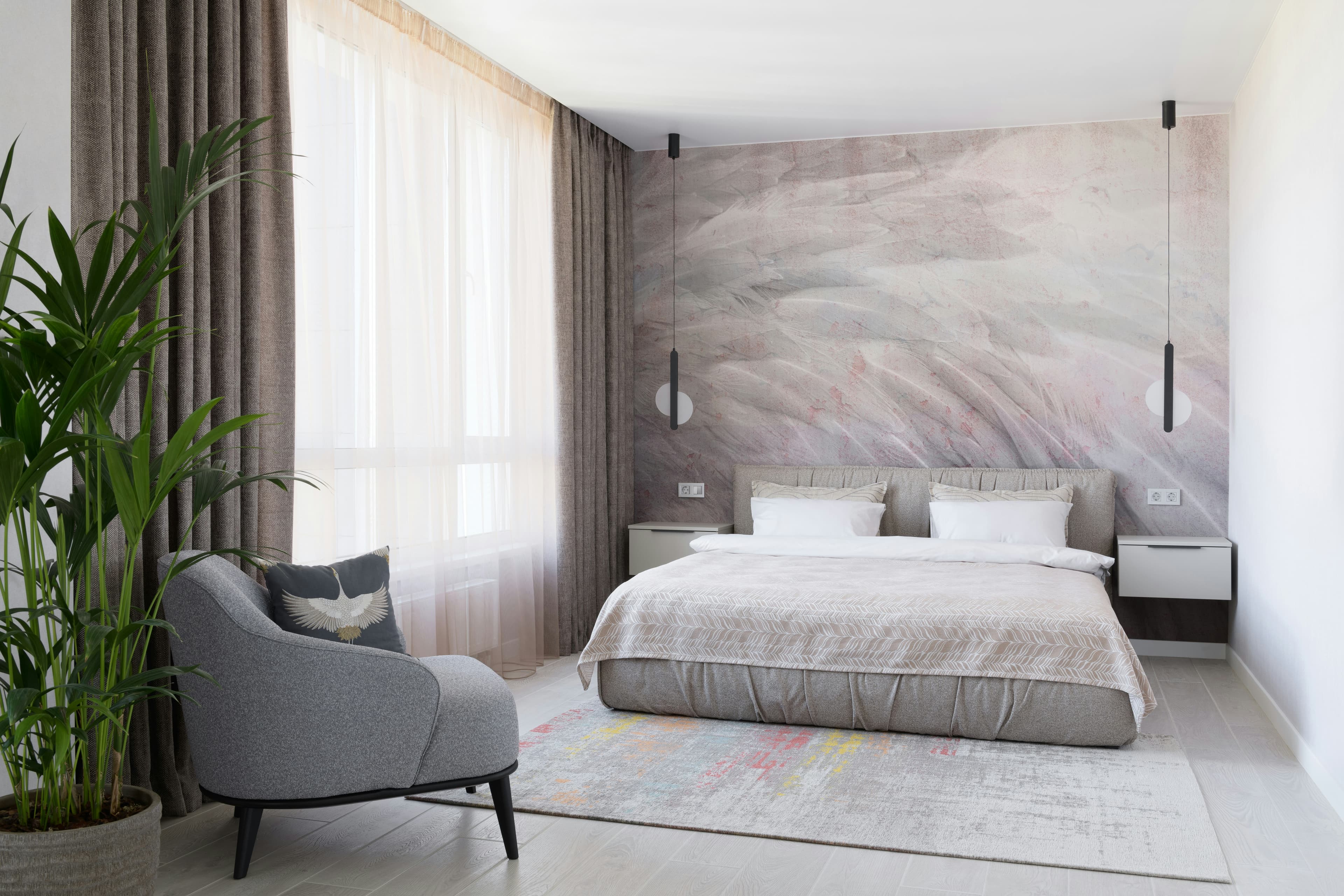
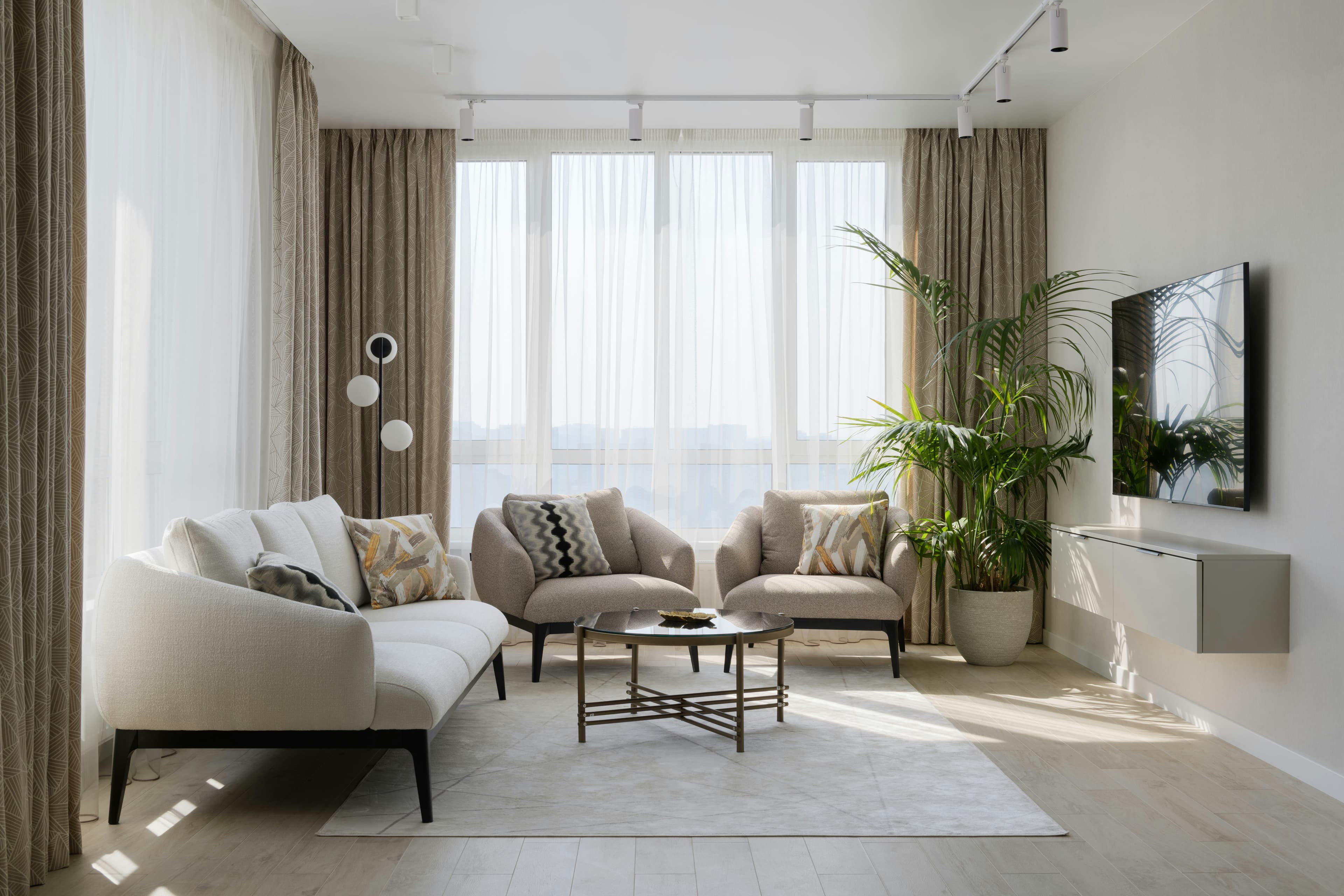
Every interior video needs at least one sequence that reveals how spaces relate. A kitchen followed by a dining area and living room is more helpful than three isolated close-ups. For smaller homes, a wide image with simple motion can be more informative than a long list of rooms.
If you only have photos, arrange them as a visual walk rather than an album. Read how to turn listing photos into a reel for a photo-first sequence.
Layer details without turning the screen into an MLS sheet
Use on-screen details sparingly. One fact per shot is usually enough. Save the complete address, price, bed/bath count, website, brokerage details, and any required disclaimer for clear moments where they can be read. Make sure text stays away from platform interface areas at the top and bottom of a vertical screen.
Do not skip these checks
- Confirm that price, status, open-house timing, and contact information are current.
- Use music you have permission to use on the destination platform.
- Add captions or useful on-screen text for viewers watching silently.
- Get permission for any footage, photography, or listing content you did not create.
- Clearly disclose virtually staged or materially altered visuals as required.
If you are filming fresh footage
- Open blinds, switch on lights consistently, and walk the property for distracting details.
- Film the hero feature first while the light is best.
- Walk slowly, keep the camera level, and leave a second of stillness before and after each move.
- Capture a wide frame before a close detail so an editor can preserve orientation.
- Record vertical clips if the primary destination is Reels, TikTok, or Shorts.
A strong first 30 seconds gives the full listing page, photo gallery, and follow-up message a better chance to do their job. To choose the right destination after editing, compare Instagram Reels, TikTok, and YouTube Shorts for real estate.